
Why Does IPTV Buffer? 9 Fixes That Actually Work
Freezing, spinning wheels and pixelated football? These are the causes we see every day, in the order we check them, with fixes that cost little or nothing.
Why does IPTV buffer? In our experience, the cause is inside the home far more often than people expect: weak Wi-Fi, a busy network in the evening, or a streaming stick that has run out of memory. The good news is that most of these problems cost little or nothing to fix.
Below are the causes we see every day on WhatsApp, in the order we check them. Work down the list and you will usually find the culprit within ten minutes.
First, a quick test: is it you or the stream?
Before changing anything, check two things:
- Does every channel buffer, or just one? If only one channel freezes, it may be that stream. Try the Full HD version or another channel.
- Does Netflix or YouTube also buffer on the same device? If they do too, the issue is your connection or device, not the IPTV service.
Why does IPTV buffer? The 9 common causes and fixes
1. Weak Wi-Fi where the TV is
This is the number one cause. Wi-Fi loses speed through walls, floors and distance, and a streaming stick tucked behind a TV has a small antenna.
Fix: use an Ethernet cable if at all possible (Fire TV sticks need an adapter). If not, move the router higher and more central, or add a mesh point or powerline adapter near the TV.
2. Connected to the 2.4 GHz band
Many routers broadcast two networks. The 2.4 GHz one reaches further but is slower and more crowded, especially in flats where every neighbour’s router shares the same space.
Fix: connect your TV device to the 5 GHz network (it often has “5G” in its name).
3. Peak-time congestion
Between about 7pm and 11pm, both your home network and your broadband provider’s network are at their busiest. A connection that is perfect at lunchtime can struggle during a Saturday evening match.
Fix: pause big downloads, console updates and cloud backups while you watch. If it happens every evening, test your speed at 8pm and compare with what your line should get on Ofcom’s broadband checker.
4. Not enough speed for the quality you chose
4K needs roughly 25 Mbps to be comfortable, Full HD around 10–15 Mbps. If your connection hovers around 12 Mbps, 4K will buffer.
Fix: watch the Full HD version of the channel, or improve your connection. Our guide to what internet speed for IPTV explains how to test properly.
5. An overloaded or outdated device
Older Fire TV Sticks and budget Android boxes have little memory. Big channel lists, a full cache and apps running in the background slow them down.
Fix: clear the app cache, uninstall apps you don’t use, restart the device, and install any system updates. On Fire TV: Settings › Applications › Manage installed applications › your player › Clear cache. If your stick is several years old, a Fire TV Stick 4K Max is a big step up.
6. Player buffer and stream settings
IPTV players have settings that affect how they cope with a wobbly connection.
Fix: in TiviMate, set Settings › Playback › Buffer size to medium or large. In IPTV Smarters, try switching the stream format between MPEGTS and HLS, or change the player under Settings › Player selection.
7. Router needs a restart
Routers run for months without a break and gradually slow down.
Fix: switch the router off at the wall, wait 30 seconds and switch it back on. Do the same with your streaming device. A weekly restart keeps things fresh.
8. VPN slowing you down
A VPN adds an extra hop. A distant or crowded server can cut your speed dramatically.
Fix: turn the VPN off to test. If things improve and you want to keep using one, choose a server close to you.
9. A problem on the provider’s side
Sometimes a specific channel or server does have an issue. It happens with every provider.
Fix: message your provider with the channel name and time. With us, send a WhatsApp message and we will check the stream and, if needed, switch you to a different server.
Why does IPTV buffer? A quick checklist
- Test another channel and another app.
- Restart the router and the device.
- Plug in Ethernet, or switch to 5 GHz Wi-Fi.
- Clear the app cache and free up storage.
- Increase the player’s buffer size.
- Try the Full HD version instead of 4K.
- Pause other downloads in the house.
- Turn off any VPN to test.
- Contact your provider with the channel and time.
IPTV freezing on a Smart TV
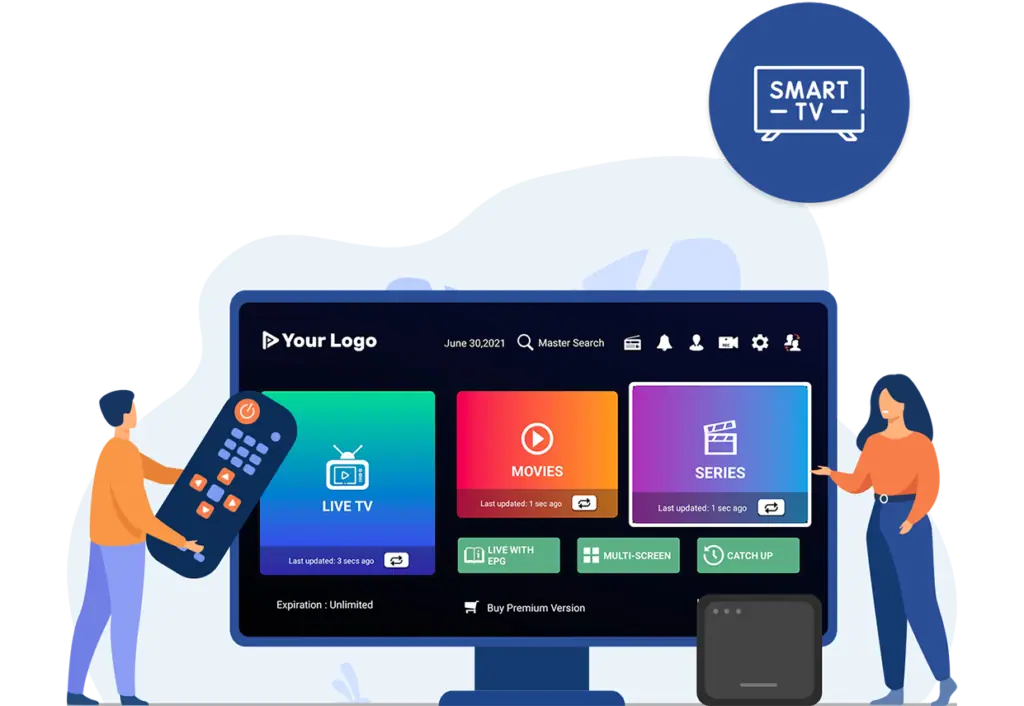
Smart TVs have their own quirks. Their Wi-Fi chips are often weaker than a streaming stick’s, and older models have limited memory. If your Samsung or LG TV freezes but a Firestick on the same TV doesn’t, the TV’s hardware is the bottleneck. Our Smart TV IPTV UK page covers the settings to check.
Is it your router? A two-minute test
If you are still wondering why does IPTV buffer on your setup, this quick test tells you where to look.
- Put the streaming device right next to the router, or connect it with a cable, and play the same channel that was freezing.
- If it now plays smoothly, the problem is Wi-Fi coverage between the router and the TV. Fix the Wi-Fi rather than your broadband package.
- If it still buffers next to the router, restart the router, then test again at a quieter time of day.
- If it buffers even then, and other apps like YouTube are fine, contact your IPTV provider with the channel name and time.
This simple test saves a lot of guesswork, and it is the first thing we ask customers to try.
When buffering is normal
A second or two of loading when you change channel is normal for IPTV. So is a short pause when you skip forward in a film. What isn’t normal is repeated freezing every few minutes; that is always worth fixing.
Summary
So, why does IPTV buffer? Most of the time it is Wi-Fi, evening congestion or a tired device, and the fixes are cheap: a cable, the 5 GHz network, a restart and a clear-out of the cache. If you have worked through the checklist and it still buffers, message us on WhatsApp with the channel and time and we will look at it from our side.
Setting up for the first time? Follow our Firestick setup guide, or try the service on your own connection with the 2-hour free trial. When you are happy, compare our plans.
Frequently asked questions
Why does IPTV buffer only in the evening?
Because your home network and your broadband provider are busiest then. Test your speed at 8pm and reduce other use in the house while you watch.
Will a faster broadband package stop buffering?
Only if speed is the real problem. If your Wi-Fi is weak where the TV is, faster broadband won’t help much; a cable or better Wi-Fi will.
Does a VPN stop buffering?
Occasionally, if your provider is slowing down video traffic. More often a VPN makes buffering worse, so test with it switched off first.
Keep reading

What Is IPTV? A Plain-English Guide for UK Beginners
IPTV explained without the jargon: how internet TV works, what you need, what it costs, the difference between apps and subscriptions, and the questions to ask before you pay anyone.
Is IPTV Legal in the UK? An Honest Answer
The technology is legal; some of what is sold with it is not. A clear explanation of UK law, the risks for viewers, how to spot a legitimate service, and where we stand.
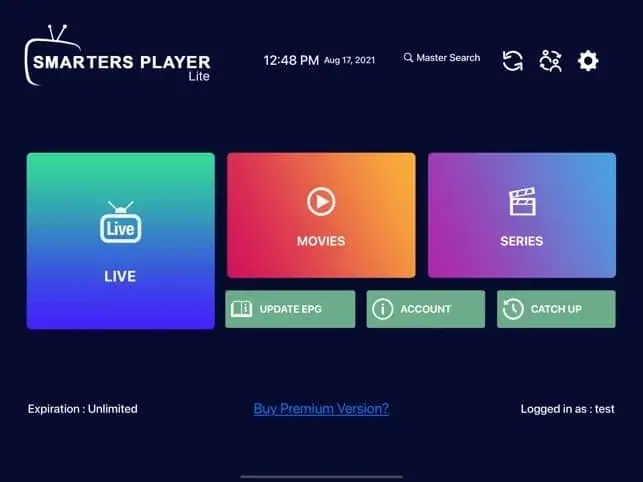
IPTV Smarters Pro Setup: Step-by-Step on Every Device
How to install IPTV Smarters Pro on Firestick, Android, Smart TV and iPhone, log in with Xtream Codes or M3U, load the TV guide and fix the errors people hit most.

Not sure which plan? Ask us first
Tell us your device and your broadband speed and we will tell you honestly what to expect from cheap IPTV UK streaming before you pay a penny.