One payment, no contract and no automatic renewal. When your plan ends, you decide whether to renew.
4K IPTV UK viewers get the most from our service when a few simple things line up. 4K, or Ultra HD, has four times the detail of Full HD: 3840 × 2160 pixels instead of 1920 × 1080. On a 50-inch or larger TV, the difference in grass, faces and fast movement is obvious. On a small bedroom TV, it matters much less.
Every one of our plans includes 4K on supported channels and titles at no extra cost. There is no “4K add-on” to pay for.
What you need for 4K IPTV UK viewing
A 4K TV. Check the model number or the box for “4K”, “UHD” or “2160p”.
A 4K-capable device. Fire TV Stick 4K or 4K Max, a recent Android TV box, or the TV’s own apps. The basic Fire TV Stick and older boxes top out at Full HD.
The right HDMI port. On some TVs only one or two HDMI ports support 4K at 60 frames per second. They are usually labelled.
Enough broadband. We recommend 25 Mbps or more for a steady UHD IPTV stream.
How much speed does UHD IPTV need?
Netflix recommends 15 Mbps or higher for Ultra HD. Live 4K channels behave a little differently from on-demand films: fast-moving sport needs more data, and you can’t buffer ahead as much with live TV. That is why we suggest 25 Mbps for comfortable live 4K, with a bit of headroom for other people in the house.
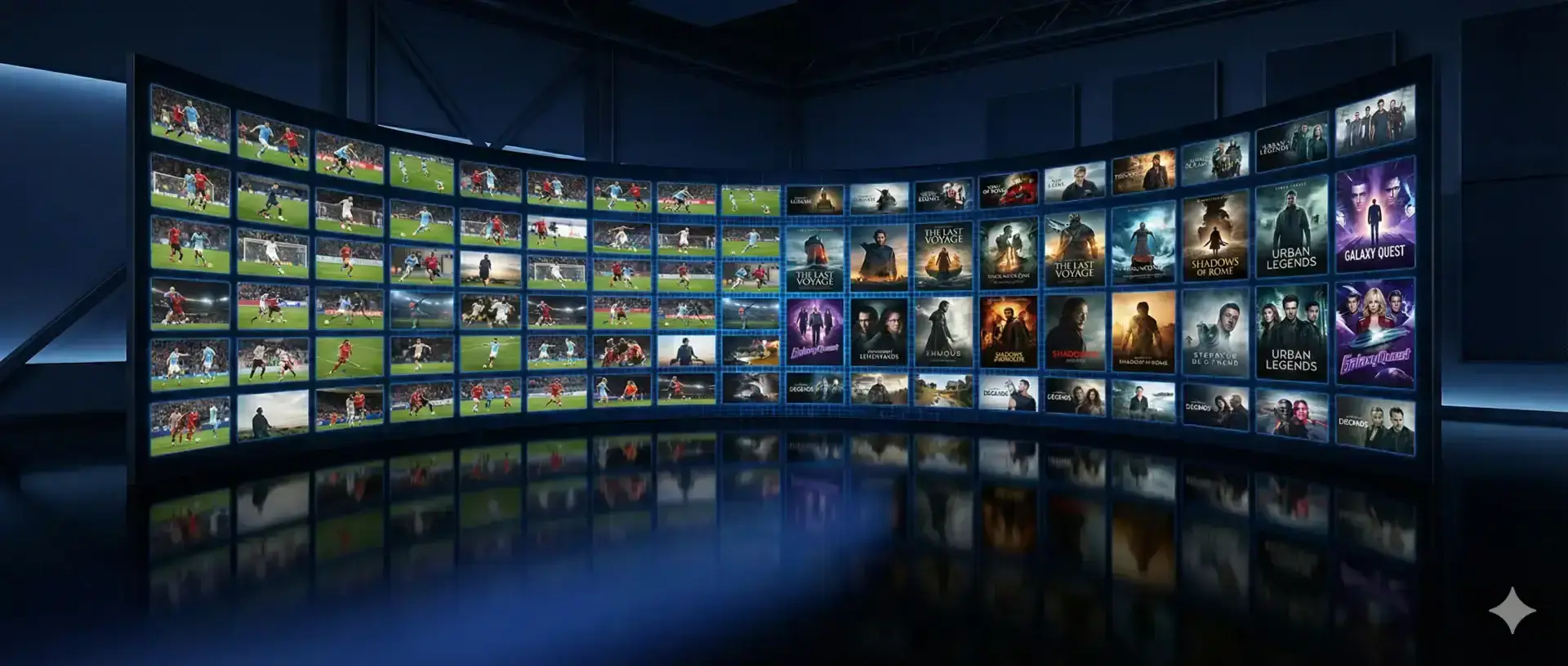
4K is at its best on a large screen with sport and nature documentaries.
Which content is in 4K?
4K channels and titles are labelled in the app, usually with “4K” or “UHD” in the name or in a dedicated category. Everything else is available in Full HD or HD. In practice, 4K shines brightest with live sport, big-budget films and nature programmes.
Why is my 4K picture not sharp?
You are watching the HD version of a channel. Check you have picked the one labelled 4K.
The device is set to 1080p. On Fire TV: Settings › Display & Sounds › Display › Video Resolution › Auto (up to 4K Ultra HD).
The HDMI port doesn’t support 4K. Move the cable to the port marked 4K or HDMI 2.0/2.1.
The connection is dropping quality. Some players lower the quality when the speed dips. A wired connection usually fixes it.
A 4K IPTV subscription that doesn’t charge extra
Many traditional TV packages treat Ultra HD as an optional upgrade. With us, a 4K IPTV subscription costs the same as HD: £60 for a year, or £4.17 a month on the 24-month plan. See all options on the plans page.
Best devices for 4K
For most people, the Fire TV Stick 4K Max is the easiest choice: it is fast, supports Wi-Fi 6 and handles large channel lists well. Our Firestick guide shows the setup. Recent Samsung, LG and Android TVs also do a great job with the right app, covered in Smart TV IPTV.
Want to see 4K on your own TV before paying? Ask for the 2-hour free trial and try a 4K channel. If the picture holds up in the evening, 4K IPTV UK viewing will work well for you.
FAQ
Questions we get asked
Does 4K cost extra?
No. 4K is included on every plan at no extra cost.
Why is my 4K channel only showing in HD?
Usually the device is set to 1080p, the HDMI port does not support 4K, or the connection is too slow. See the checklist on this page.