The 6 month IPTV subscription sits in the sweet spot for a lot of our customers. It is cheaper per month than the 3-month plan, but you are not committing to a whole year. It costs £45, paid once, which works out at £7.50 a month.
Six months is roughly a season: autumn through to spring, or spring through to the end of summer. Long enough to settle in and forget about the TV bill, short enough that you can rethink things when your circumstances change.
Why people choose a 6 month IPTV subscription
From the conversations we have on WhatsApp every day, the reasons are usually practical:
The winter months. Dark evenings mean more time on the sofa. Six months covers the stretch when most of us watch the most TV.
A fixed stay. Contract work, a temporary move or a university year where you know roughly how long you will be there.
Budgeting. One payment of £45 is easier to plan for than a monthly bill that creeps up.
A second step. Customers who started with 3 months, liked it, and want better value without jumping straight to a year.
Everything included in 6 months IPTV
There are no cut-down versions of the service. The 6-month plan includes:
Live channels with an electronic programme guide.
On-demand films and series, organised into sections so they are easy to browse.
4K on supported channels and titles, plus Full HD and HD for slower connections or older TVs.
WhatsApp support 24/7, including help setting up your device.
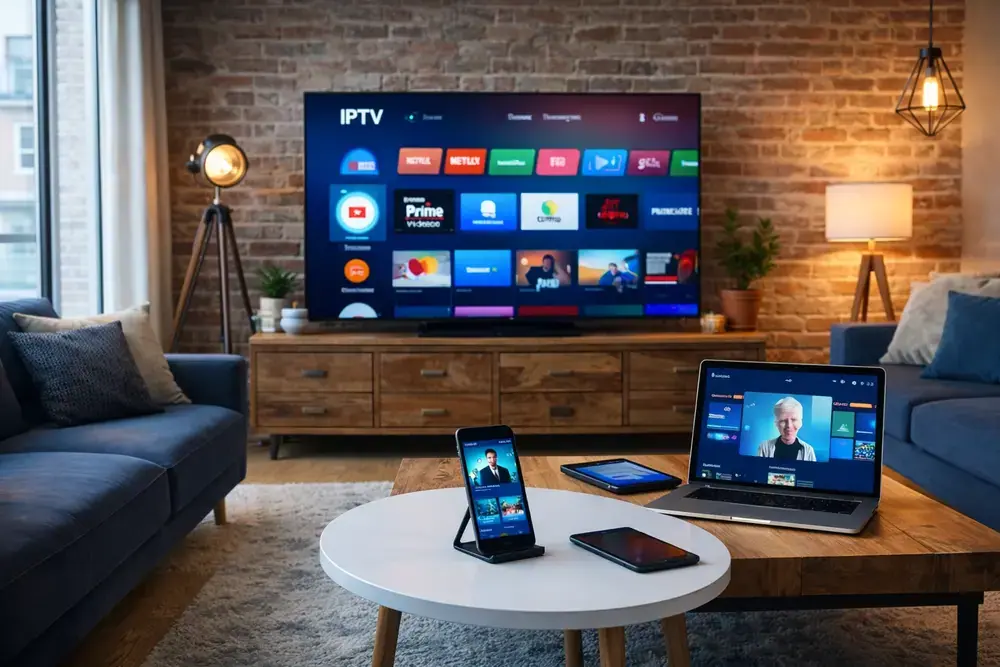
Use the app on the device that suits the moment: the big TV, a tablet in the kitchen or a laptop.
If you are torn between six and twelve months, look at it this way: a year costs £60, only a little more than a 6-month plan plus a 3-month top-up. If you are fairly sure you will stay, twelve months usually makes more sense.
Setting up takes about ten minutes
You don’t need any technical knowledge to start a 6 month IPTV subscription. After you order on WhatsApp, we send your login and a short guide for your device.
Fire TV Stick: install Downloader, add the player app and log in. Full walkthrough in our Firestick setup guide.
Samsung or LG Smart TV: install a player from the TV’s app store and send us the device key. See Smart TV IPTV.
Android, iPhone, PC or MAG: we send the right login format (Xtream Codes, M3U or portal) for your device.
Check your line before you order
Ofcom’s broadband checker shows the speeds you should expect at your postcode. Around 10 Mbps is fine for HD; for 4K, 25 Mbps or more gives you some headroom when others in the house are online.
At the end of your six months
We don’t auto-renew. We send a reminder a few days before the plan ends. If you want to continue, reply and we extend the same login for whichever plan you pick. If not, it simply expires and you owe nothing more.
Good to know
Prices are shown in pounds for the UK and Gibraltar, and in euros for Ireland and Malta. You can switch currency at the top of the page.