
What Is EPG? The Simple Guide to IPTV TV Guides
EPG explained in plain English: what the electronic programme guide does, how it gets into your IPTV app, and how to fix a guide that is empty or wrong.
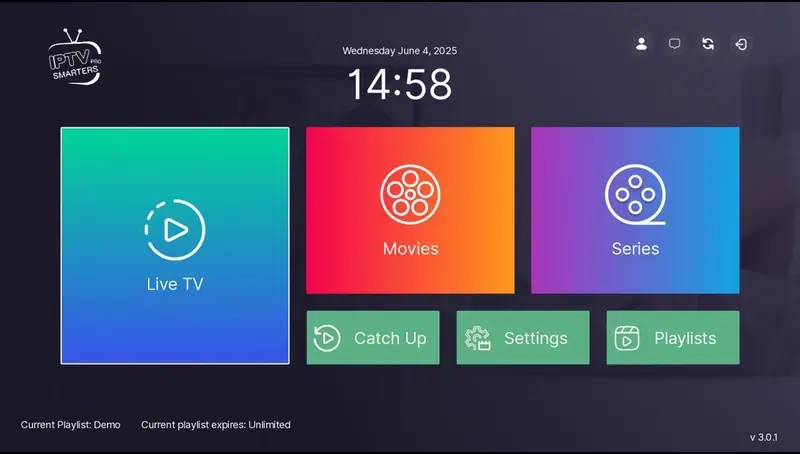
What is EPG? EPG stands for electronic programme guide. It is the on-screen TV guide that shows what is on now, what is on next and what is coming up later, channel by channel. If you have ever pressed “Guide” on a Freeview, Sky or Virgin remote, you have used one.
In IPTV apps, the EPG works in the same way on screen, but it gets its information differently. Understanding that difference makes it much easier to fix when something goes wrong.
What is EPG and what does it show?
A good electronic programme guide shows:
- The programme on each channel right now, with a progress bar.
- What is on next, and usually a few days ahead.
- Programme titles, times and often a short description.
- Sometimes extras: episode numbers, age ratings, or a catch-up icon on programmes you can rewatch.
The general idea has been around since the early days of digital TV. Wikipedia’s article on the electronic programme guide has a good history if you are curious.
How IPTV EPG works
With traditional TV, the guide data is broadcast alongside the channels. With IPTV, the guide is a separate data file, usually in a format called XMLTV, that your app downloads from the internet. The app then matches each programme listing to a channel using a small ID code.
That means three things have to work for your guide to appear:
- Your provider supplies a guide file (with Xtream Codes logins this normally happens automatically).
- Your app downloads it successfully.
- The channel IDs in the guide match the channels in your list.
When one of those steps fails, you get a blank guide, “No information” messages, or a guide that is an hour out.
Which apps have the best TV guide?
- TiviMate has the most traditional grid guide on Fire TV and Android TV. It feels like a normal TV box.
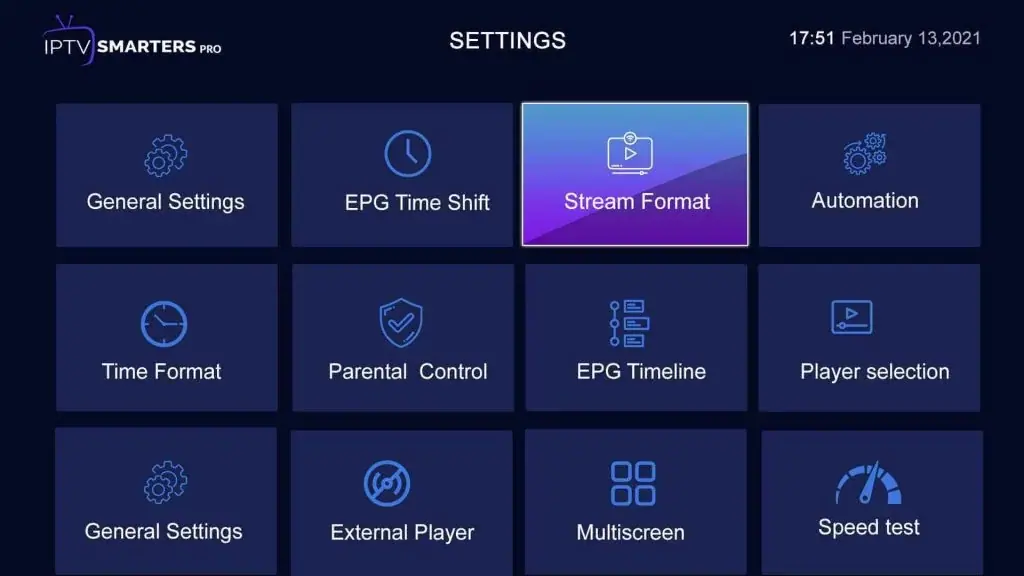
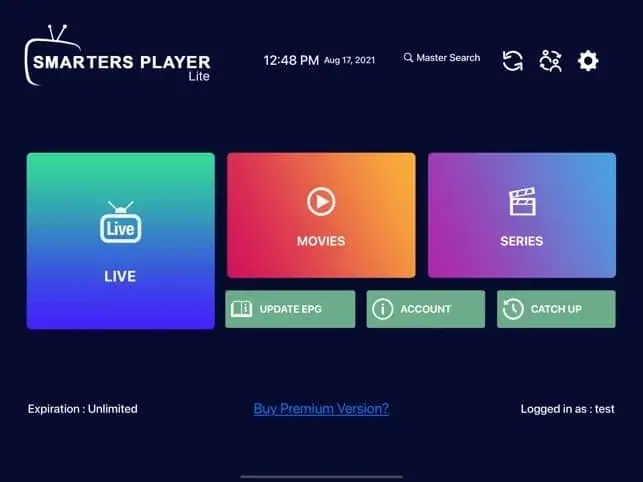
- IPTV Smarters Pro shows now and next in the channel list, with a full guide view as well.
- Smart TV players such as IBO Player Pro include a guide, though layouts vary.
We compare players in more detail in the best IPTV app for Firestick.
How to update the EPG
If the guide is missing or out of date, a manual update usually fixes it:
- IPTV Smarters Pro: Settings › EPG › Update EPG (or “Load EPG” from the home screen).
- TiviMate: Settings › EPG › Update EPG. You can also set the update interval and how many days to keep.
- Smart TV apps: look for “Refresh”, “Reload playlist” or “Update EPG” in the settings.
The first download can take a minute or two, particularly on older devices.
Fixing common EPG problems
The guide is completely empty
- Run a manual EPG update and wait a couple of minutes.
- Restart the app, then the device.
- Check that you logged in with Xtream Codes rather than a plain M3U link. M3U logins sometimes need a separate EPG link added in the settings; ask your provider for it.
The guide is an hour out
This is almost always a time zone issue, especially around the clocks changing in spring and autumn. Check the time zone on the device itself (on Fire TV: Settings › Preferences › Time Zone), then look for an EPG time shift setting in your app and set it to 0 (or +1/−1 if needed).
Some channels have a guide, others don’t
Some channels simply don’t have guide data available, and that is normal. If a channel you watch a lot is missing its guide, tell your provider; they can sometimes map it.
The guide was working and stopped
Clear the app’s cache, then update the EPG. On Fire TV: Settings › Applications › Manage installed applications › your player › Clear cache. Low storage space can also stop the guide saving, so remove apps you don’t use.
How to make the guide easier to use
Once the guide is working, a few small changes make it feel much more like the TV box you are used to:
- Build a favourites group. Add the channels you actually watch, so the guide shows twenty rows instead of hundreds.
- Hide categories you never use. Most apps let you hide whole groups, which speeds up scrolling and loading.
- Set how many days to keep. Two or three days is plenty for most people and keeps older devices quick.
- Use the “now and next” view on small screens. On phones and tablets it is easier to read than a full grid.
EPG and catch-up
On some channels, the guide also lets you go back in time and play a programme that has already been shown. This feature is usually called catch-up or archive, and it depends on both your provider and your app. When it is available, you will see a small icon next to past programmes in the guide.
EPG terms explained
If you are still asking what is EPG jargon all about, here are the words you will see in app settings:
- XMLTV: the standard file format most IPTV guides use.
- EPG URL: the web address your app downloads the guide from. Xtream Codes logins usually include it automatically; M3U playlists sometimes need it added by hand.
- EPG ID (tvg-id): a code that links each channel to its listings. If it doesn’t match, that channel shows no guide.
- Time shift: a setting that moves the whole guide forwards or backwards by whole hours, used to fix time zone problems.
- Catch-up / archive: the ability to play programmes that have already been shown, where the provider supports it.
- Now and next: the simplest form of guide, showing only the current and following programme.
You don’t need to understand any of this to watch TV. But if you ever message a provider about a guide problem, these are the words they will use.
Is an electronic programme guide included with our plans?
Yes. Every plan includes a TV guide for the live channels, loaded automatically when you log in with Xtream Codes. If yours isn’t showing, message us on WhatsApp and we will check it with you. You can compare plans on the plans page or test the guide yourself with our 2-hour free trial.
Summary
So, what is EPG? It is the TV guide in your IPTV app, delivered as a separate data file and matched to your channels. When it goes wrong, the fix is usually one of four things: update the EPG, check the time zone, clear the cache, or ask your provider for the correct EPG link. For more help with setup, see how to set up IPTV on Firestick and Smart TV IPTV UK.
Frequently asked questions
What does EPG stand for?
Electronic programme guide (in American English, “program guide”).
Does the EPG use a lot of data?
No. Guide files are small compared with video, usually a few megabytes per update.
How many days of guide can I see?
It depends on the guide data and your app. Most show at least a day or two ahead, and apps like TiviMate let you choose how many days to keep.
Keep reading
What Is IPTV? A Plain-English Guide for UK Beginners
IPTV explained without the jargon: how internet TV works, what you need, what it costs, the difference between apps and subscriptions, and the questions to ask before you pay anyone.
Is IPTV Legal in the UK? An Honest Answer
The technology is legal; some of what is sold with it is not. A clear explanation of UK law, the risks for viewers, how to spot a legitimate service, and where we stand.
IPTV Smarters Pro Setup: Step-by-Step on Every Device
How to install IPTV Smarters Pro on Firestick, Android, Smart TV and iPhone, log in with Xtream Codes or M3U, load the TV guide and fix the errors people hit most.

Not sure which plan? Ask us first
Tell us your device and your broadband speed and we will tell you honestly what to expect from cheap IPTV UK streaming before you pay a penny.