
Best IPTV App for Firestick: 5 Players Compared
TiviMate, IPTV Smarters Pro, XP IPTV and more: which player suits you, what each costs and how to install it on a Fire TV Stick.
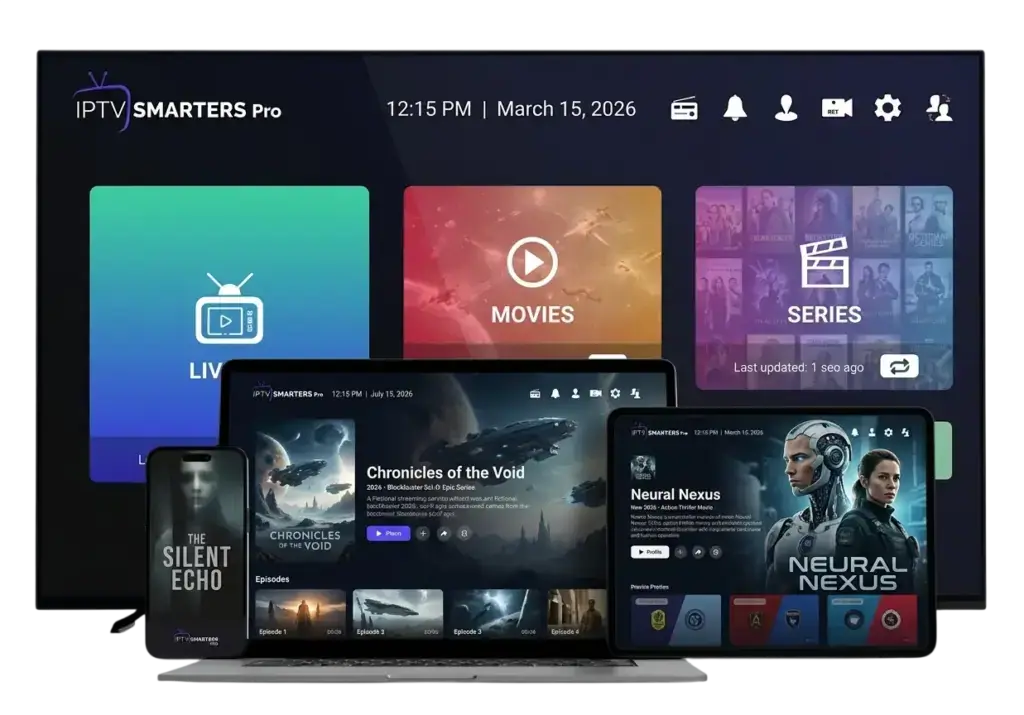
The best IPTV app for Firestick depends on how you watch. If you mostly flick between live channels, you want a fast TV guide. If you mostly watch films and series, you want a tidy library with posters and a “continue watching” row. We help people choose every day on WhatsApp, and these are the five players we see working well on Fire TV devices.
All of them are players only: they don’t come with any channels. You add your own subscription by logging in with your details.
Best IPTV app for Firestick: quick comparison
| App | Best for | TV guide | Cost |
|---|---|---|---|
| TiviMate | Live TV fans | Excellent grid guide | Free; premium upgrade available |
| IPTV Smarters Pro | Beginners, films and series | Good | Free |
| XP IPTV | A simple, modern layout | Good | Free, with optional extras |
| IBO Player Pro | Households that also use Smart TVs | Good | Trial, then one-off activation fee to the developer |
| VLC | Quick tests and M3U links | Basic | Free |
1. TiviMate: the best for live TV

TiviMate looks and feels like a traditional TV box. The guide is a proper grid with channels down the side and times along the top, channel switching is quick, and you can arrange favourites in the order you are used to. Many of our customers say it is the closest thing to the Sky or Virgin guide they had before.
- Strengths: the best EPG on Fire TV, fast zapping, favourites groups, catch-up support where the provider offers it.
- Weaknesses: the free version is limited; films and series are less attractive to browse than in Smarters.
- Cost: free to try; a premium subscription unlocks the full feature set. Details on the official TiviMate website.
2. IPTV Smarters Pro: the best for beginners

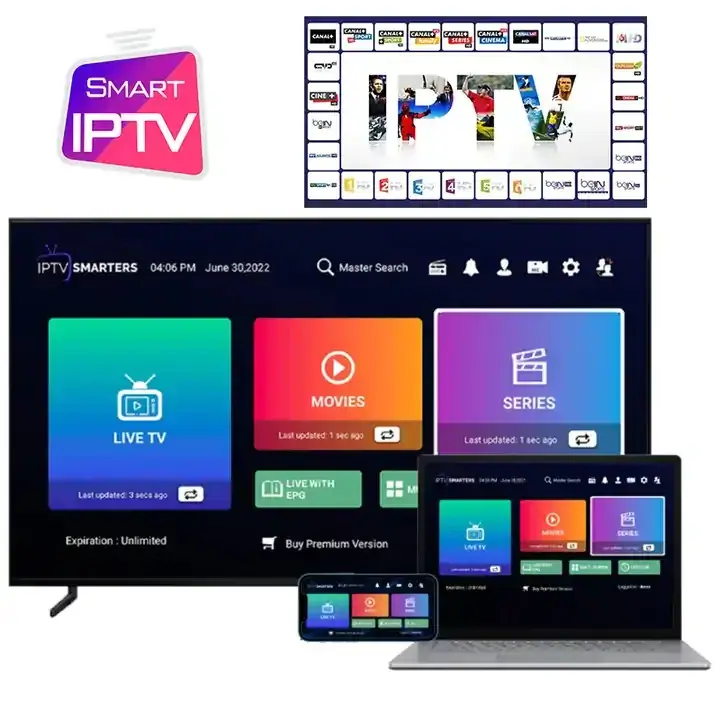
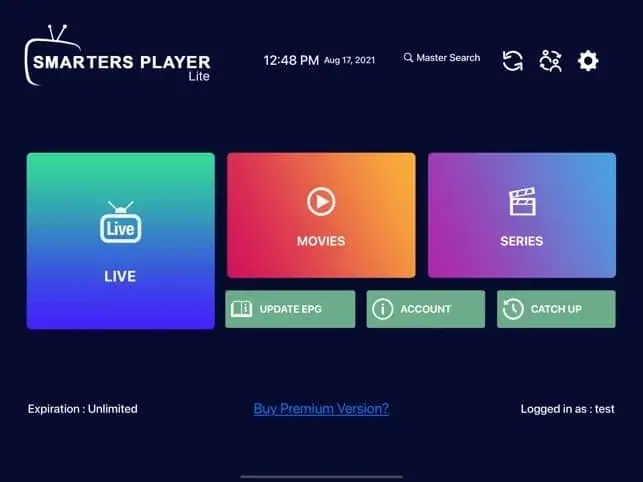
IPTV Smarters Pro is where most people start, and for good reason. The home screen has three big buttons (Live TV, Movies and Series), it handles Xtream Codes and M3U logins, and the on-demand sections show posters, descriptions and a “recently watched” list.
- Strengths: very easy to use, good for films and box sets, several built-in player options.
- Weaknesses: the live TV guide is less slick than TiviMate’s; very large channel lists can feel slower on older sticks.
- Cost: free.
3. XP IPTV: clean and modern

XP IPTV is a newer player with a clean, modern layout. It supports Xtream Codes logins, has a decent guide and is quick on recent Fire TV devices. It is a good alternative if Smarters feels cluttered to you.
- Strengths: tidy interface, responsive, good search.
- Weaknesses: fewer advanced settings than TiviMate.
4. IBO Player Pro: one app across Fire TV and Smart TVs

IBO Player Pro is best known on Samsung and LG TVs, but it runs on Fire TV too. The advantage is consistency: if you have a Firestick in the lounge and a Smart TV in the bedroom, everyone uses the same app. Activation works by MAC address and device key, which you send to your provider.
- Strengths: same look on Fire TV and Smart TVs, simple for families.
- Weaknesses: after the trial period there is a one-off activation fee paid to the app developer.
More on Smart TV players in our Smart TV IPTV UK guide.
5. VLC: the free fallback
VLC is the well-known free media player. It can open an M3U playlist link and play channels, but it has no proper TV guide and browsing hundreds of channels is awkward. We use it mainly to test whether a stream plays when another app is misbehaving.
How to choose the right IPTV player for Fire TV
- You mainly watch live channels and sport: TiviMate.
- You mainly watch films and series: IPTV Smarters Pro.
- You want the simplest possible screen: XP IPTV or Smarters.
- You have Smart TVs in other rooms: IBO Player Pro everywhere.
- You just want to test a link: VLC.
You don’t have to pick just one. Plenty of people use TiviMate for live TV and Smarters for films, both logged in with the same details. Just avoid playing on both at once unless your plan allows two connections.
How to install a Firestick IPTV app
Most IPTV players aren’t in Amazon’s app store, so you install them with the free Downloader app. The short version:
- Install Downloader from the Amazon Appstore.
- Enable Developer options (Settings › My Fire TV › About, click the device name seven times) and allow Downloader to install unknown apps.
- Open Downloader, enter the player’s download link and install it.
- Open the player and log in with your Xtream Codes details.
The full walkthrough, with every menu name and the settings that stop buffering, is in how to set up IPTV on Firestick.
Settings worth changing in any player
- Buffer size: set to medium or large if your connection wobbles in the evening.
- Stream format: if channels won’t start, switch between MPEGTS (.ts) and HLS (.m3u8).
- EPG update: set the guide to refresh daily. See what is EPG if it is empty.
- Player choice: Smarters lets you switch between its built-in players; try another if one stutters.
Free or paid: is a premium IPTV player for Fire TV worth it?
Most people are perfectly happy with a free player. IPTV Smarters Pro costs nothing and does everything a beginner needs. Paying starts to make sense once you know you are staying with IPTV and you watch a lot of live TV.
TiviMate’s premium upgrade is the one our customers most often buy. It unlocks multiple playlists, favourites groups you can reorder, catch-up support and the ability to record to a USB drive on devices that support it. If live TV is your main use, many people find it the best IPTV app for Firestick once they have tried the free version.
Smart TV players such as IBO Player Pro are different: after a trial period they charge a one-off activation fee to the developer. It is a small cost, but it is worth knowing before you choose one for every TV in the house.
Whatever you choose, remember that the player and the subscription are separate. Paying for a player doesn’t give you any channels, and a good subscription works in any of the apps above.
Apps to avoid
Be wary of apps that come “pre-loaded” with channels, apps from unknown websites, and anything that asks for broad permissions it doesn’t need. A legitimate IPTV player is an empty shell until you add your own login. Also avoid so-called cleaner and booster apps on your Fire TV; they rarely help.
Our verdict
For most people, the best IPTV app for Firestick is TiviMate for live TV, with IPTV Smarters Pro as the easiest free option and the best for films and series. Start with Smarters if you are new, add TiviMate once you know you are staying, and keep VLC around for troubleshooting.
Need a subscription to use with your player? Our plans work in every app on this list. See IPTV Firestick UK or compare plans, and ask us which player suits your setup.
Frequently asked questions
Is TiviMate free?
You can install and try it for free. Some features need the premium subscription, bought from the developer.
Which app uses the least memory on an old Firestick?
IPTV Smarters and XP IPTV tend to be lighter than TiviMate with very large playlists. Clearing the cache regularly helps any app.
Can I move my favourites between apps?
Not usually. Favourites are stored inside each app, so you set them up once per player.
Keep reading

What Is IPTV? A Plain-English Guide for UK Beginners
IPTV explained without the jargon: how internet TV works, what you need, what it costs, the difference between apps and subscriptions, and the questions to ask before you pay anyone.
Is IPTV Legal in the UK? An Honest Answer
The technology is legal; some of what is sold with it is not. A clear explanation of UK law, the risks for viewers, how to spot a legitimate service, and where we stand.
IPTV Smarters Pro Setup: Step-by-Step on Every Device
How to install IPTV Smarters Pro on Firestick, Android, Smart TV and iPhone, log in with Xtream Codes or M3U, load the TV guide and fix the errors people hit most.

Not sure which plan? Ask us first
Tell us your device and your broadband speed and we will tell you honestly what to expect from cheap IPTV UK streaming before you pay a penny.