
Firestick vs Android Box for IPTV: Which Should You Buy?
Price, speed, storage, remotes, apps and 4K: an honest comparison of Amazon Fire TV sticks and Android TV boxes for watching IPTV in the UK.
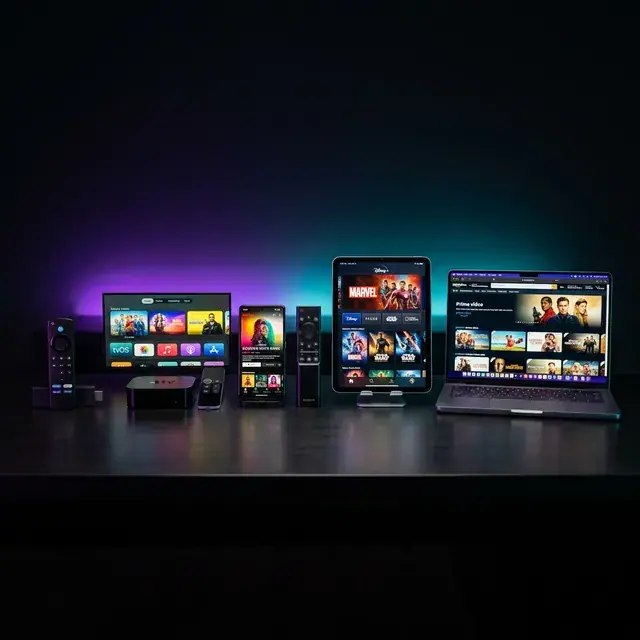
The Firestick vs Android box question comes up in almost every WhatsApp chat we have with new customers. Both plug into your TV’s HDMI port, both run the same IPTV apps, and both can show 4K. The differences are in price, speed, storage, how much freedom you get, and how easy each is for the rest of the household.
Here is an honest comparison, based on what we see working (and not working) in real homes.
Firestick vs Android box: the short answer
- Choose a Fire TV Stick if you want something cheap, simple and familiar, with a good voice remote. The 4K or 4K Max models suit most homes.
- Choose an Android TV box if you want the widest choice of apps, more storage, a wired Ethernet port built in, or you want the full Google Play Store.
What they have in common
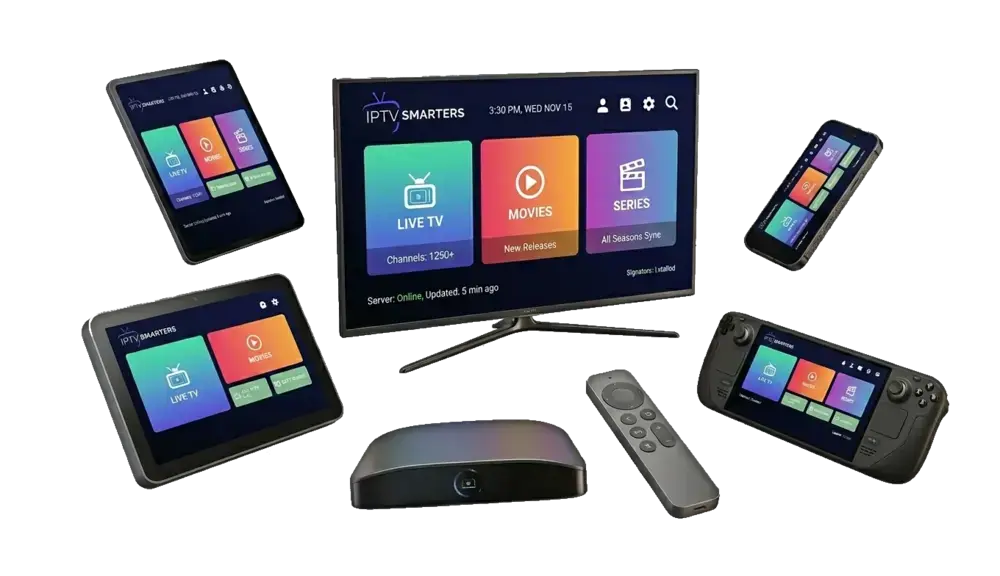
Both are small streaming computers (see Amazon Fire TV and Android TV) that turn any TV with an HDMI port into a smart one. Both run the popular IPTV players, including IPTV Smarters Pro and TiviMate, and both can show 4K when paired with a 4K TV and enough broadband. Setup for either takes about ten minutes.
Side-by-side comparison
| Fire TV Stick (4K / 4K Max) | Android TV box | |
|---|---|---|
| Price | Low, often discounted | From budget to premium |
| App store | Amazon Appstore (IPTV players installed via Downloader) | Google Play (most players available directly) |
| Storage | Limited on standard models | Often more, sometimes expandable |
| Ethernet | Needs an adapter | Often built in |
| Remote | Good voice remote with TV controls | Varies widely by brand |
| Updates | Regular, from Amazon | Depends on the manufacturer |
| Ease of use | Very easy, same for everyone | Varies by model |
The case for a Fire TV Stick
- Price and availability. Sold everywhere and frequently on offer.
- Simplicity. Every Fire TV works the same way, so setup guides (including ours) match what you see on screen.
- The remote. Voice search, plus volume and power buttons that control the TV.
- Portable. Small enough to take to a holiday let or move between rooms.
The downsides: storage fills up quickly on the standard models, most IPTV players need installing through Downloader rather than the store, and Wi-Fi is your only connection unless you buy an adapter. Our IPTV Firestick UK page and setup guide cover everything you need.
The case for an Android TV box
- Google Play. Most IPTV players install directly from the store, no side-loading needed.
- More storage and memory on mid-range and premium boxes, which helps with very large channel lists.
- Ethernet built in on many models, the single best thing for a stable picture.
- USB ports for recording to a drive in apps that support it.
The downsides: quality varies enormously. Cheap unbranded boxes often run old, insecure versions of Android that never get updates. Stick to certified Android TV or Google TV devices from known brands.
A warning about “fully loaded” boxes
Avoid boxes sold “fully loaded” or “jailbroken” with free channels. They often come with unlicensed add-ons and, sometimes, malware. A normal box plus a player from the official store is safer. Read is IPTV legal in the UK for the wider picture.
Firestick vs Android box: day-to-day experience
Specifications only tell part of the story. Here is what living with each one is like:
- Start-up and menus. The Fire TV home screen promotes Amazon content prominently; you will want to move your IPTV player to the front of your apps row. Android TV and Google TV boxes also show recommendations, but many let you pin apps more freely.
- Updates. Fire TV devices update themselves regularly. Branded Android TV boxes do too; unbranded ones often never update at all.
- Storage over time. Channel lists, guides and cached artwork add up. On a basic stick, clear caches every month or two; a box with more storage needs less attention.
- Remote control. The Fire TV remote can turn the TV on and off and control volume. Remotes on budget Android boxes are often less capable.
Costs to consider beyond the device
- An Ethernet adapter for a Fire TV Stick if you want a wired connection.
- A premium player upgrade, such as TiviMate Premium, if you want advanced features. This applies to both.
- An HDMI extender or a powered USB hub for some TV layouts.
Which is best for 4K IPTV?
Both can do it. What matters more is that the device supports 4K at 60 frames per second, that you plug it into a 4K-capable HDMI port, and that you have around 25 Mbps of broadband. A wired connection helps a lot with live 4K, which gives the Android box with built-in Ethernet a slight edge. See our 4K IPTV UK guide for settings.
Which is best for families?
For households where several people use the TV, the Fire TV Stick usually wins because it is predictable: the same menus, a remote everyone understands, and parental controls with a PIN (Settings › Preferences › Parental Controls). Android TV boxes can be just as good, but it depends on the model.
Best device for IPTV if you already have a Smart TV
If your TV is recent, you may not need either. Many Samsung, LG and Android TVs run IPTV players directly. Our Smart TV IPTV UK page explains which apps work on which brands. If your TV is older or its apps are slow, a stick or box is the cheapest upgrade.

Our recommendation: Firestick vs Android box
- Most people: Fire TV Stick 4K or 4K Max, with Amazon’s Ethernet adapter if the router is nearby.
- Enthusiasts and big channel lists: a well-reviewed, certified Android TV or Google TV box with built-in Ethernet.
- Avoid: unbranded boxes with no updates, and anything sold pre-loaded with channels.
Whichever you choose in the Firestick vs Android box debate, our subscription works on both. Compare our plans or test on your own device with the free 2-hour trial.
Frequently asked questions
Is an Android box faster than a Firestick?
A good mid-range Android TV box can be, especially with large channel lists. A budget box is often slower than a Fire TV Stick 4K Max.
Can I use the same IPTV login on both?
Yes. Install the player on each and log in with the same details, but check how many simultaneous connections your plan allows before watching on both at once.
Do I need a VPN on either device?
No, a VPN isn’t needed for IPTV to work. Some people use one for privacy; if you do, choose a nearby server to keep speeds up.
Which lasts longer, a Firestick or an Android box?
A branded device that keeps receiving updates will last longest. Fire TV sticks and certified Android TV boxes from known brands usually get several years of updates; unbranded boxes often get none.
What about MAG boxes?
MAG boxes are built specifically for IPTV portals and are very simple, but they are less flexible than a Fire TV or Android device. See what is IPTV for how portals work.
Keep reading
What Is IPTV? A Plain-English Guide for UK Beginners
IPTV explained without the jargon: how internet TV works, what you need, what it costs, the difference between apps and subscriptions, and the questions to ask before you pay anyone.
Is IPTV Legal in the UK? An Honest Answer
The technology is legal; some of what is sold with it is not. A clear explanation of UK law, the risks for viewers, how to spot a legitimate service, and where we stand.
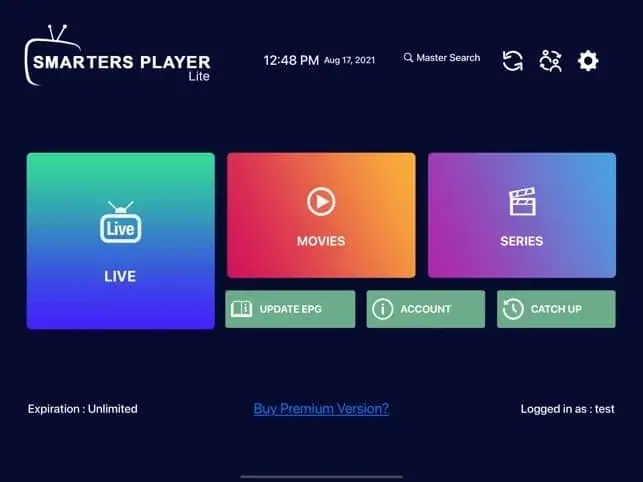
IPTV Smarters Pro Setup: Step-by-Step on Every Device
How to install IPTV Smarters Pro on Firestick, Android, Smart TV and iPhone, log in with Xtream Codes or M3U, load the TV guide and fix the errors people hit most.

Not sure which plan? Ask us first
Tell us your device and your broadband speed and we will tell you honestly what to expect from cheap IPTV UK streaming before you pay a penny.